Your Account
Reset your password
Locked out? You can reset your HabariChat password from the login page in a couple of minutes, all you need is access to your email.
Reset your password
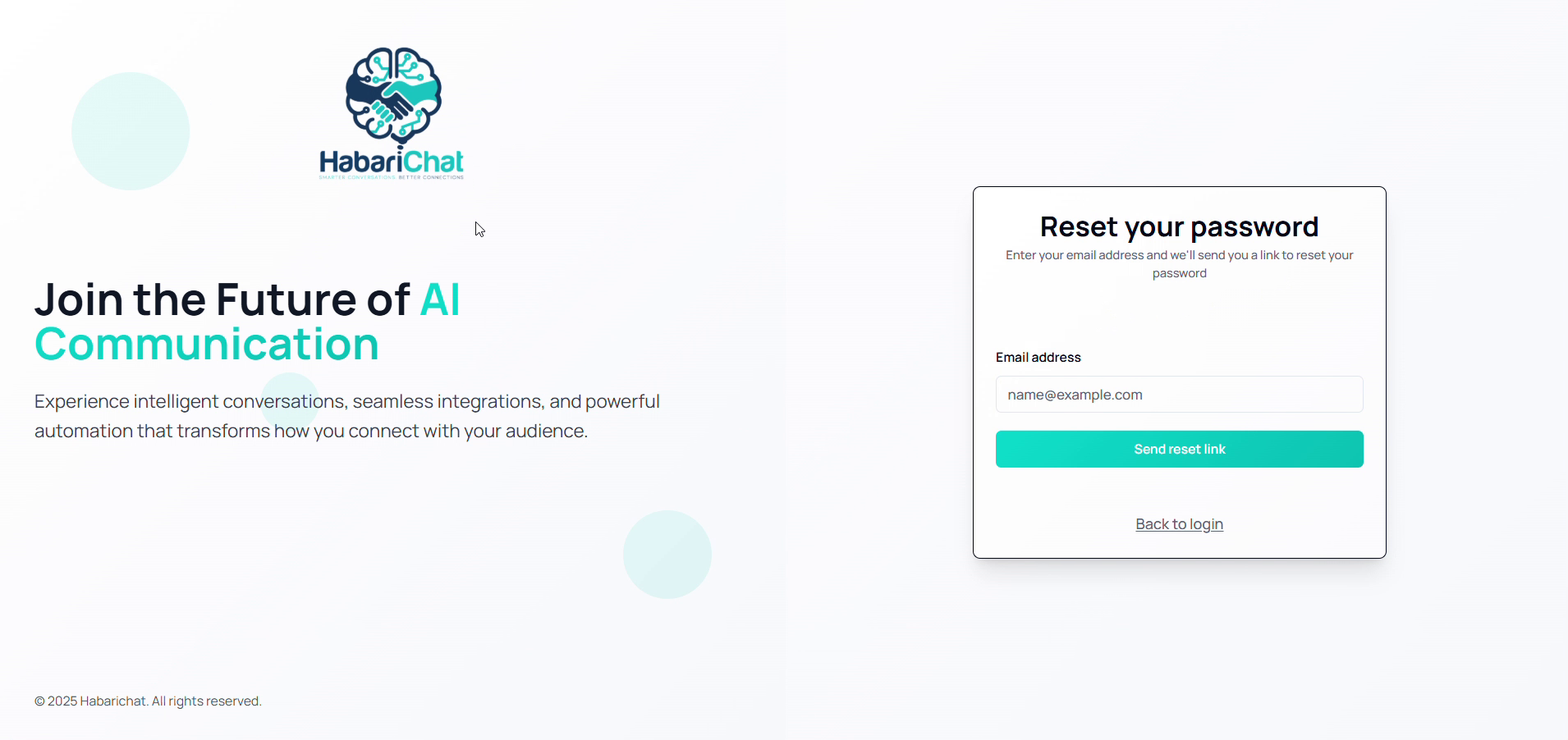
- On the login page, click Forgot Password?
- Enter the email address linked to your account.
- Click Send Reset Link.
- Open the email and follow the link to set a new password.
The reset link is valid for 24 hours.
Already logged in and just want a new password? Use Change your password in Settings instead.
Common questions
How do I reset my HabariChat password?
On the login page click Forgot Password, enter the email address linked to your account, click Send Reset Link, then open the email and follow the link to set a new password.
How long is the password reset link valid?
The reset link is valid for 24 hours. If it expires, just request a new one from the Forgot Password page.
I didn't get the password reset email. What should I check?
Check your spam folder, confirm you entered the email address linked to your account, and request the link again. If it still doesn't arrive, contact support.