Your Account
Your Account
Everything about creating, accessing, and managing your HabariChat account and profile.
Create an account
You can sign up in under a minute using either email or a Google/Microsoft account.
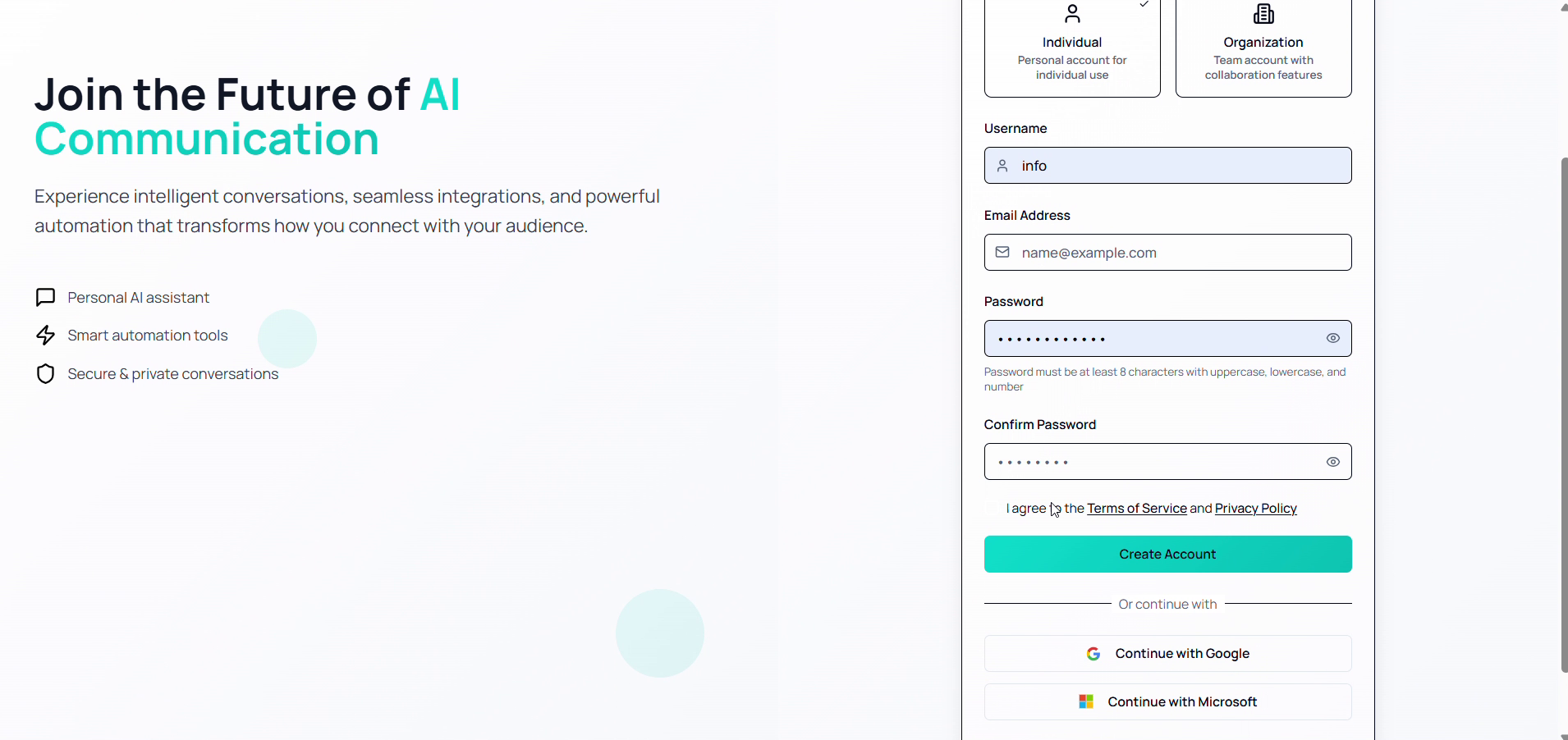
By email:
- Go to www.habarichat.ai and click Sign Up in the top right.
- Enter your username, email address, and a strong password.
- Read and accept the Terms of Service and Privacy Policy.
- Click Create Account, then verify your email via the link sent to your inbox.
By Google or Microsoft: click Continue with Google or Continue with Microsoft, sign in with that account, and click Continue.
Log in
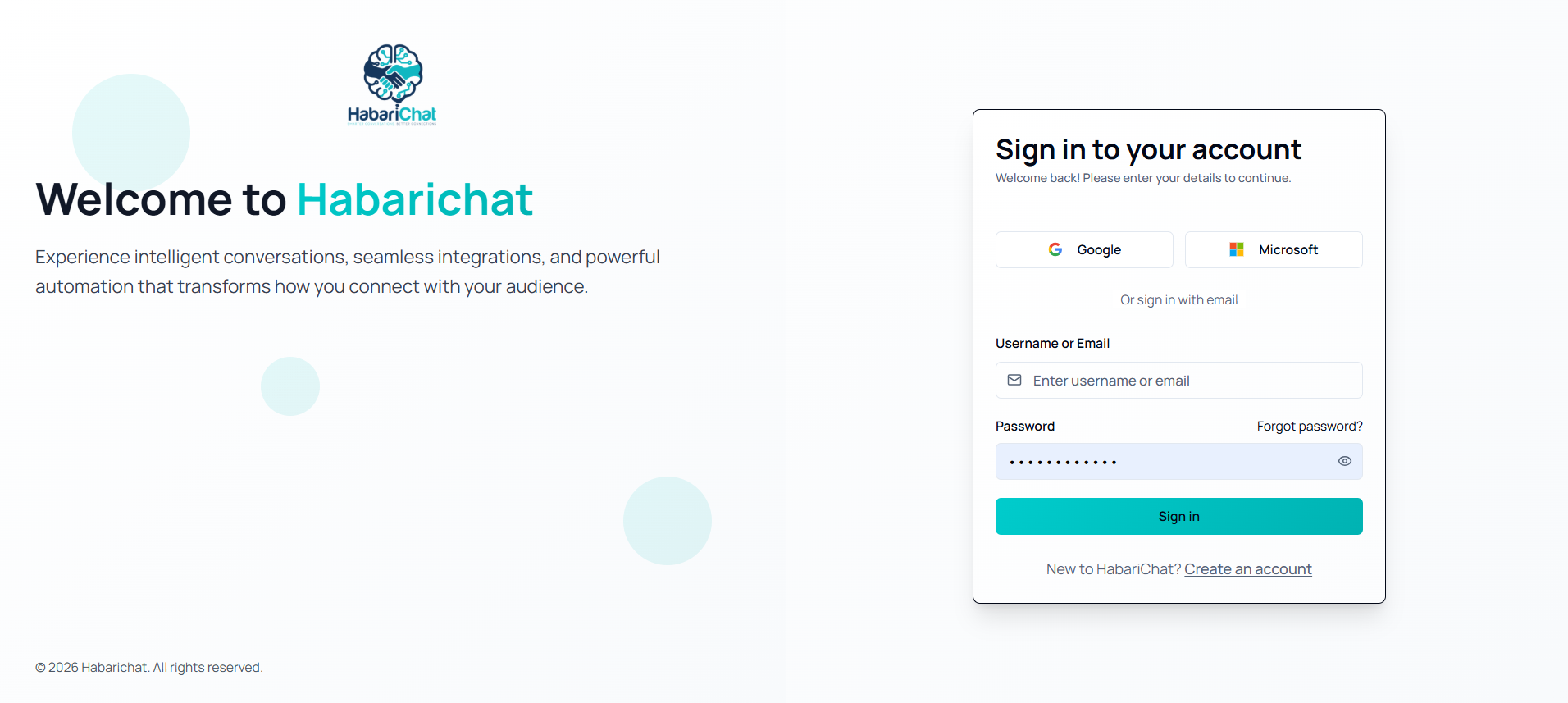
- Go to www.habarichat.ai.
- Click Login in the top right.
- Enter your registered email address or username.
- Enter your password and click Sign In.
Forgot your password? See Reset your password for the full walkthrough.
Change your password
- Open Settings from the sidebar and go to the Profile tab.
- Find the Change Password or Security section.
- Enter your current password, then your new password, and confirm it.
- Click Save Changes.
Update your profile
- Go to Settings → Profile tab.
- Edit the fields you want to change, such as name, email, or contact information.
- Click Save Changes.
Log out & delete account
Log out: click your profile icon or name (top right or sidebar) and select Log Out.
Delete account: go to Settings → Profile, click Delete Account, and confirm in the pop-up.
Heads up: deleting your account cannot be undone.