Set up a brand-new WhatsApp number
Choose this if you're new to the WhatsApp Business Platform, or you want a dedicated number that runs fully on the API. The Meta popup creates your business portfolio, registers your business, and creates your WhatsApp Business Account in order.
Set up a brand-new number
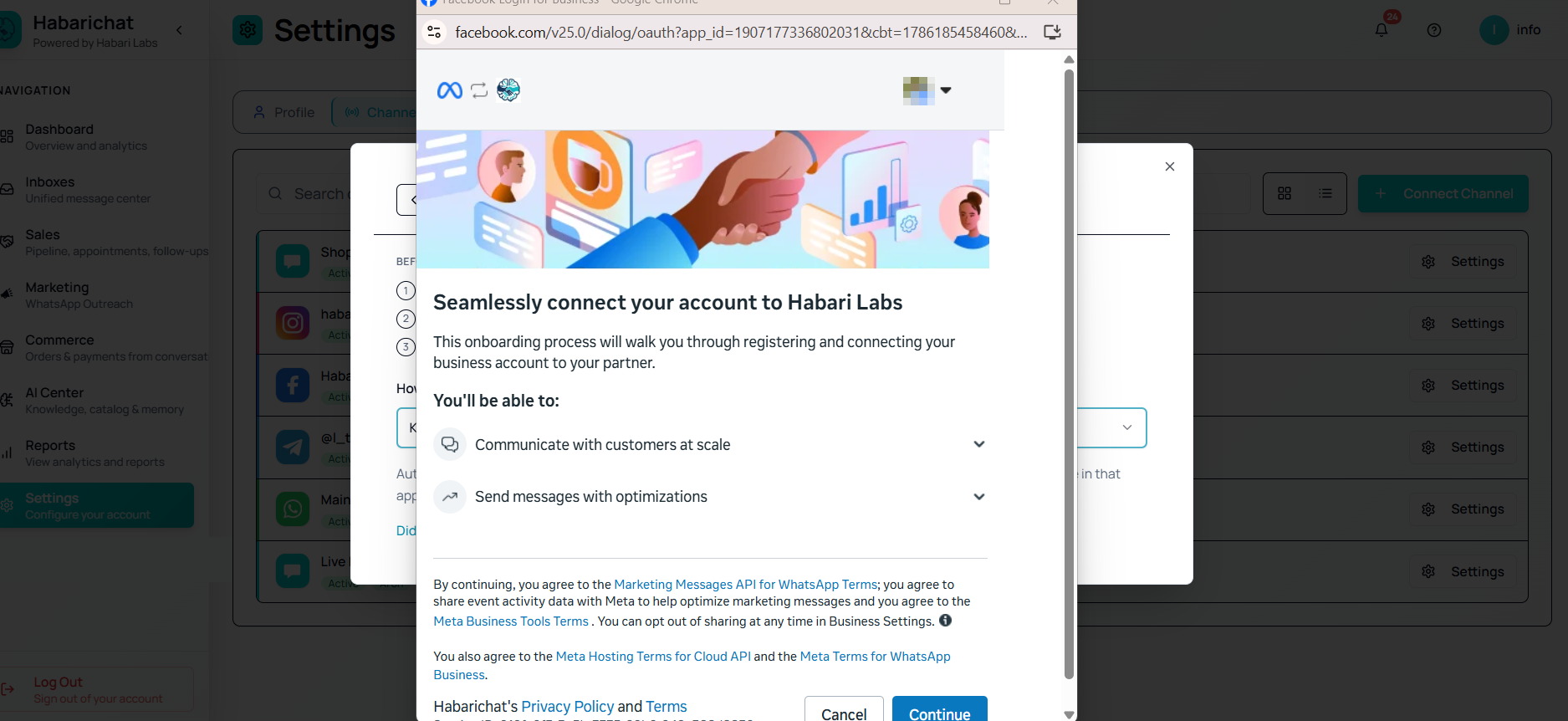
When you click Connect WhatsApp in HabariChat, a secure Meta popup opens right inside the dashboard. Because HabariChat is a Verified WhatsApp Tech Provider, the whole onboarding happens in that one window: you never leave the dashboard and you never copy secret keys by hand.
- A Facebook login that is an admin of your business portfolio.
- A dedicated phone number that is not registered to any existing WhatsApp account (personal or virtual), and that can receive an SMS or voice code.
- Your business details: legal business name and a working website or social profile. No website? Your WhatsApp profile link works, see below.
Steps
- In HabariChat, go to Settings, open the Channels tab and click Connect Channel, then select WhatsApp Business. The Meta popup opens.
- In the popup, choose Create a business portfolio (or pick an existing one).
- Enter your business details: legal business name, website or social profile, and country. This is your business registration with Meta. If you have no website, use your WhatsApp profile link.
- Create your WhatsApp Business Account. This generates your new WABA ID.
- Set up your WhatsApp Business profile: display name and business category.
- Add your phone number, then verify it with the SMS or voice code Meta sends.
- Finish the popup. You're returned to HabariChat with the number connected.
- Send a test message to the number and confirm it appears in your inbox.
No website? Use your WhatsApp profile link
Meta asks for a website when you register the business, and plenty of good businesses simply do not have one. You do not need to build a site or buy a domain to get past this step. Your own WhatsApp profile link counts as a valid web presence, and you already have one.
It is your number in full international format, with no plus sign, no spaces, and no leading zero, added to wa.me:
- https://wa.me/2547XXXXXXXX, where 254 is Kenya's country code and the rest is your number without its leading zero.
- So a number saved on your phone as 07XX XXX XXX becomes https://wa.me/2547XXXXXXXX.
- Paste that whole link into the website field.
Open the link in a browser first to check it works. It should offer to start a chat with your business. A Facebook Page or Instagram profile URL is equally acceptable if you would rather use one of those.
Troubleshooting
| Issue | What to do |
|---|---|
| Popup blocked or won't open | Allow popups for habarichat.ai in your browser, then click Connect WhatsApp again. |
| "Number already registered" | The number is on an existing WhatsApp account. Delete that account in the WhatsApp app and retry, or use Coexistence instead. |
| No verification code arrives | Re-check the country code, wait a minute, then request the code again or switch to voice call. |
| Business details rejected | Use your real legal business name and a working website or social profile. No website at all? Use your WhatsApp profile link or a Facebook or Instagram page. |
| Number missing after authorising | Confirm the number is active in Meta Business Manager, then refresh the Inboxes page. |
Common questions
You need a phone number that is not registered to any existing WhatsApp account, personal or virtual, and that can receive an SMS or voice verification code. If the number is already on WhatsApp, delete that account first, or choose Coexistence to keep the number on your phone instead.
Use your real business name. The display name is what customers see in their chat, and made-up or misleading names can be rejected during Meta's review. Match it to your legal business name and website or social profile.
Yes. You do not need to build a site or buy a domain. Your own WhatsApp profile link counts as a valid web presence, and you already have one: it is your number in full international format, with no plus sign, no spaces and no leading zero, added to wa.me. A Facebook Page or Instagram profile URL works just as well. Open the link in a browser first to confirm it resolves.
It means the number is already on an existing WhatsApp account. Delete that account in the WhatsApp app and retry, or use the Coexistence option to keep the number on your phone and link it to the API.